

Settings
Custom Variables
Use system and global variables to personalise messages in your chatbot.
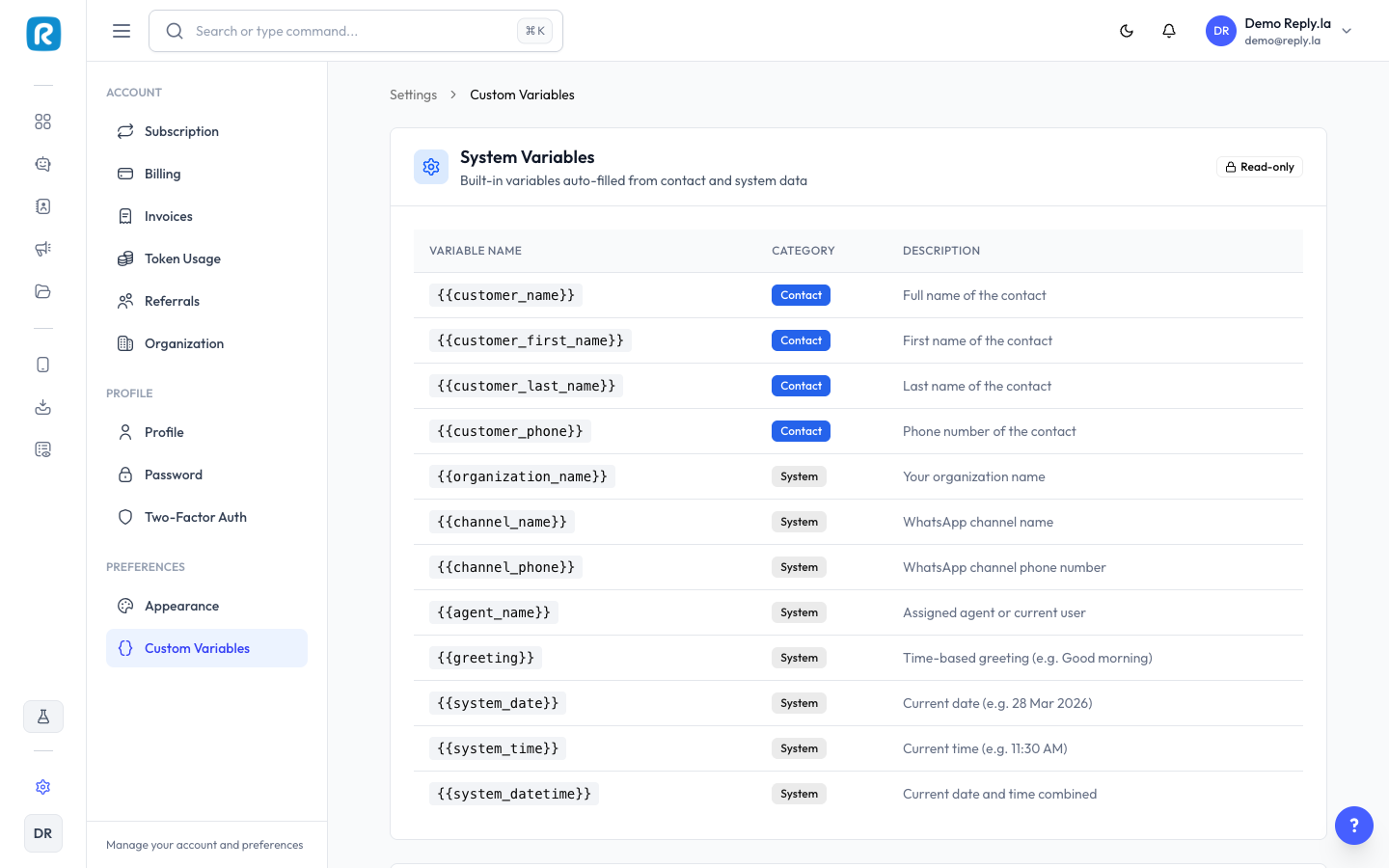
Variables are placeholders like {{customer_name}} that get replaced with real data when your chatbot sends a message. They let you personalise responses without writing separate messages for each contact.
System Variables
System variables are read-only and auto-filled from contact and system data. You cannot edit or delete them.
Contact Variables
| Variable | Description |
|---|---|
{{customer_name}} | Full name of the contact |
{{customer_first_name}} | First name of the contact |
{{customer_last_name}} | Last name of the contact |
{{customer_phone}} | Phone number of the contact |
System Variables
| Variable | Description |
|---|---|
{{organization_name}} | Your organization name |
{{channel_name}} | WhatsApp channel name |
{{channel_phone}} | WhatsApp channel phone number |
{{agent_name}} | Assigned agent or current user |
{{greeting}} | Time-based greeting (e.g. Good morning) |
{{system_date}} | Current date (e.g. 28 Mar 2026) |
{{system_time}} | Current time (e.g. 11:30 AM) |
{{system_datetime}} | Current date and time combined |
Global Variables
Global variables are custom variables you create that work across all your chatbots. Use them for values you reuse often, such as a support email, business hours, or a website URL.
How To Create a Global Variable
- Go to Settings > Custom Variables.
- Scroll to the Global Variables section.
- Click Add Variable.
- Enter a variable name and value, then save.
Use clear, descriptive names for your global variables (e.g.
{{business_hours}}, {{support_email}}). This makes them easier to find when inserting into prompts.Using Variables in Your Chatbot
You can insert variables in two places inside the chatbot editor:
- Training Data - Personalise knowledge base answers with contact or system info.
- System Prompt - Include variables in your chatbot's system instructions.
To insert a variable, click the Insert Variable button in the editor and select the variable you need.
FAQs
No. System variables are read-only and auto-filled by ReplyLa. You can only create and edit global variables.
Yes. When you change a global variable's value, it takes effect across every chatbot that uses it.
If a contact variable (e.g.
{{customer_name}}) has no data for a particular contact, it will be replaced with an empty string. Make sure your contact records are complete for the best results.