

Settings
Profile
Update your personal information - name, email, profile picture, and account details.
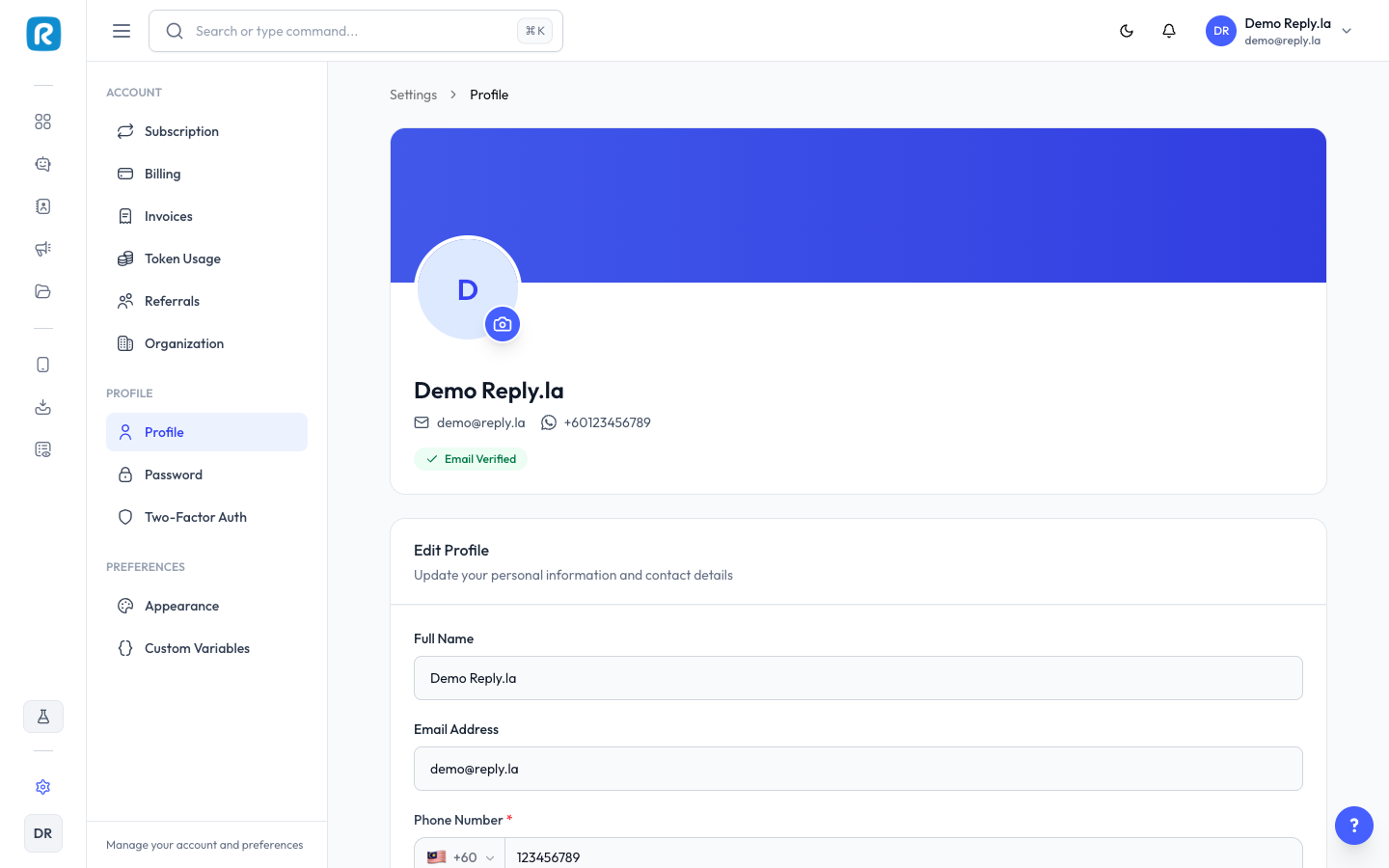
What You Can Update
Personal Information
- Name - Your display name in ReplyLa.
- Email - Your login email address. Changing requires verification.
- Phone - Your personal phone number for account recovery.
Profile Picture
Click on your profile picture area, upload a new image, and click Save.
Password
- Go to Settings > Password.
- Enter current password, new password, and confirm.
- Click Update Password.
Two-Factor Authentication
- Go to Settings > Two-Factor Auth.
- Follow the setup instructions with an authenticator app (e.g., Google Authenticator).
Use a strong, unique password and enable two-factor authentication for extra security.
Common Questions
Yes, but you'll need to verify the new email address before the change takes effect.
Use the "Forgot Password" link on the login page.