

AI Playground
AI Playground is an isolated environment for testing a chatbot with real AI processing. Messages stay in the sandbox and are not sent to WhatsApp customers.
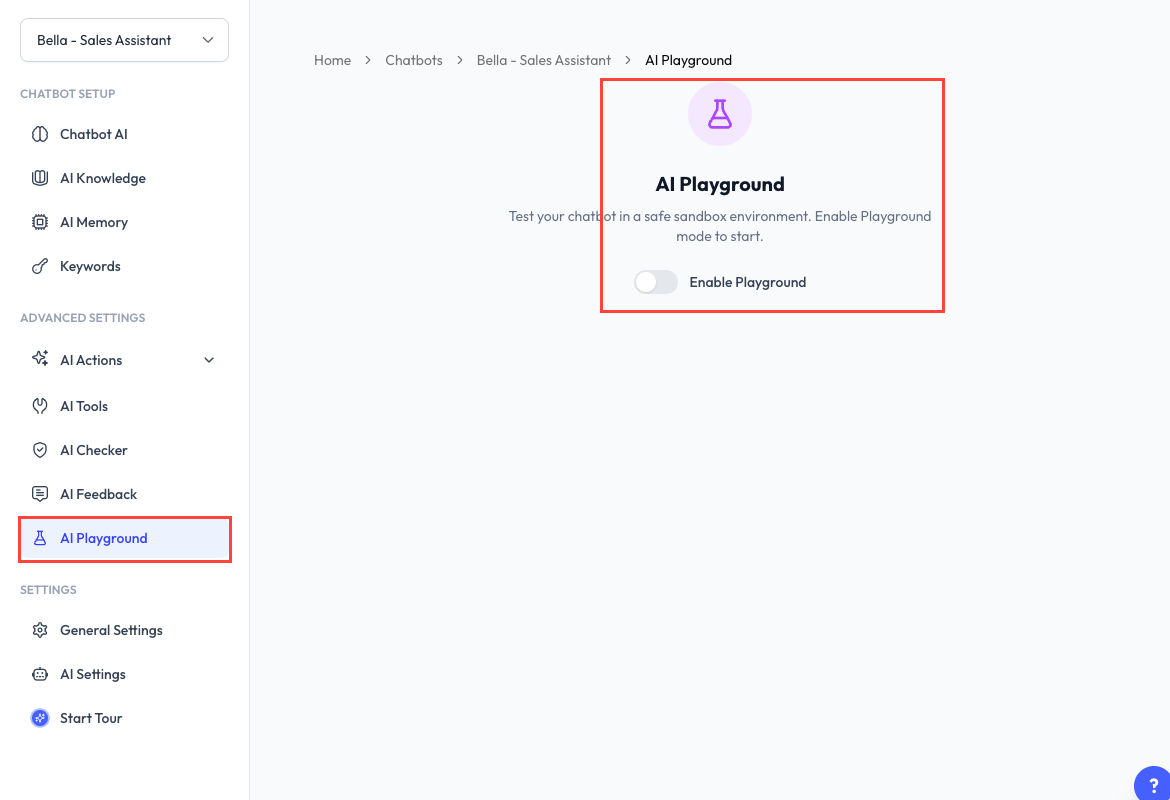
Playground access depends on your subscription plan.
Enable Playground Mode
- Open a chatbot and select AI Playground.
- Turn on Enable Playground.
- Confirm the mode change if prompted.
The mode control in the sidebar shows whether you are working in Live Mode or Playground Mode.
Draft Configuration
Playground Mode lets you change chatbot configuration without immediately changing the live chatbot. Saved changes are kept as an unpublished draft until you review and publish them.
When a draft exists, ReplyLa shows the areas that differ from live, such as training, behaviour, memory, AI actions, or tools.
Run a Test Conversation
- Type a message as if you were the customer.
- Send it and review the chatbot's response.
- Continue the conversation to test context and memory.
- Use Clear Conversation when you want a fresh session.
The composer also supports images, documents, and voice messages, making it possible to test the corresponding AI capabilities before going live.
What to Test
| Test | What to check |
|---|---|
| Business facts | Prices, hours, policies, and product details match your source material. |
| Missing information | The chatbot does not invent an answer when information is unavailable. |
| Language and tone | Replies follow the configured language, style, and constraints. |
| Memory | Important details are retained and recalled as intended. |
| AI Actions | Auto Label, Human Takeover, and Auto Follow-Up behave as configured. |
| AI Tools | Connected tools are called only when appropriate and return usable results. |
Configuration and Test Tools
The Playground side panel summarizes the active test configuration, including training, knowledge, memory, AI actions, tools, AI Checker, and AI Feedback.
Depending on what is enabled, you can also:
- Edit training data and AI behaviour for the draft.
- Clear conversation context or working memory.
- Trigger Human Takeover for a deterministic test.
- Preview and send configured follow-up steps without waiting for their real delay.
- Review queued follow-ups.
- Regenerate a response.
Debug Timeline
AI replies can show action badges and an event count. Open the event timeline to inspect the processing path, such as knowledge retrieval, tool usage, AI actions, confidence checks, and timing information available to your account.
Use this information to identify whether a wrong answer came from missing knowledge, an incorrect rule, a tool result, or the chatbot's behaviour instructions.
Share a Test
Click Share to create an external test invitation. The recipient can test the chatbot in a browser without access to your ReplyLa account. Invitation availability and limits depend on your plan.
The API Token option provides sandbox credentials for testing the public REST API against this playground. Keep the token private and regenerate it if it is exposed.
Token Usage
The Playground shows the applicable testing rate and remaining tokens. Depending on your account, testing may be free, discounted, or charged at the normal token rate. Check the banner shown in Playground rather than assuming a fixed rate.
Video Walkthrough
The video below explains the basic testing workflow. The current Playground includes newer draft, debugging, and test-action controls.