

Settings
Organization
Set up your team - invite members, assign roles, and manage access.
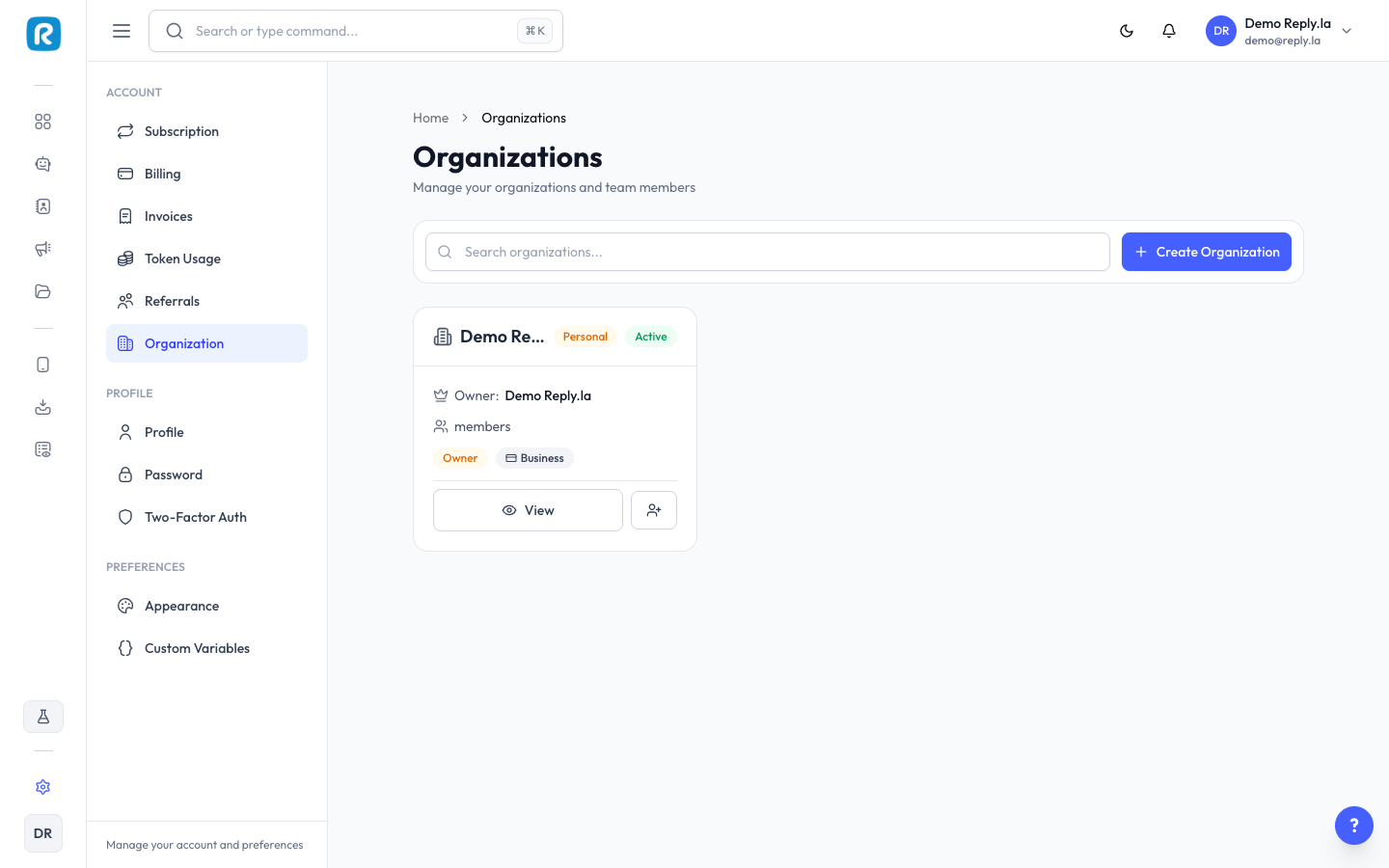
What Is Organization?
Organization lets you add team members to your ReplyLa account. Each member gets their own account with specific permissions.
Managing Your Organization
Viewing Members
Click Settings > Organization to see all members with name, email, role, and status.
Inviting a Team Member
- Click Invite Member.
- Enter their email address.
- Select their role:
- Admin - Full access to everything (except billing).
- Member - Limited access based on permissions you set.
- Click Send Invitation.
Roles
- Owner - Full access including billing. Cannot be changed.
- Admin - Can manage chatbots, devices, contacts, inbox, and most settings.
- Member - Custom permissions you decide.
Removing a Member
Click on the member, then Deactivate or Remove. Access is revoked immediately.
Use roles to limit access. Invite your customer service team as Members with Inbox access so they can help with conversations.
Common Questions
It depends on your subscription plan.
Only the Owner can access billing and subscription management.