
WhatsApp Pricing from 1 October 2026
Quick Summary
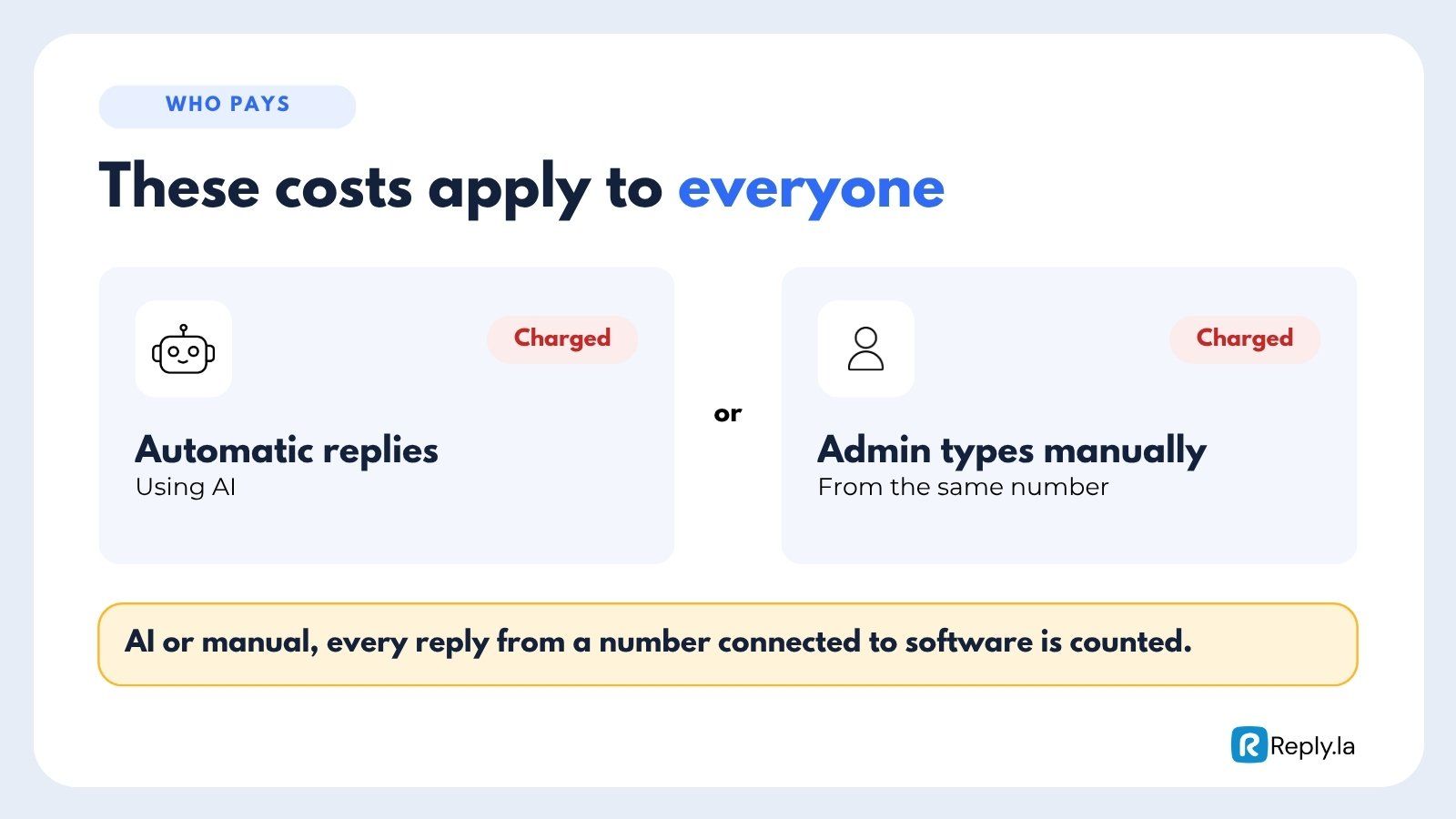
Starting 1 October 2026, Meta charges for service messages (your replies to customers). Before this, replying within 24 hours was free.
- Every number gets 1,000 free service messages a month. After that, each reply costs 5.6 sen.
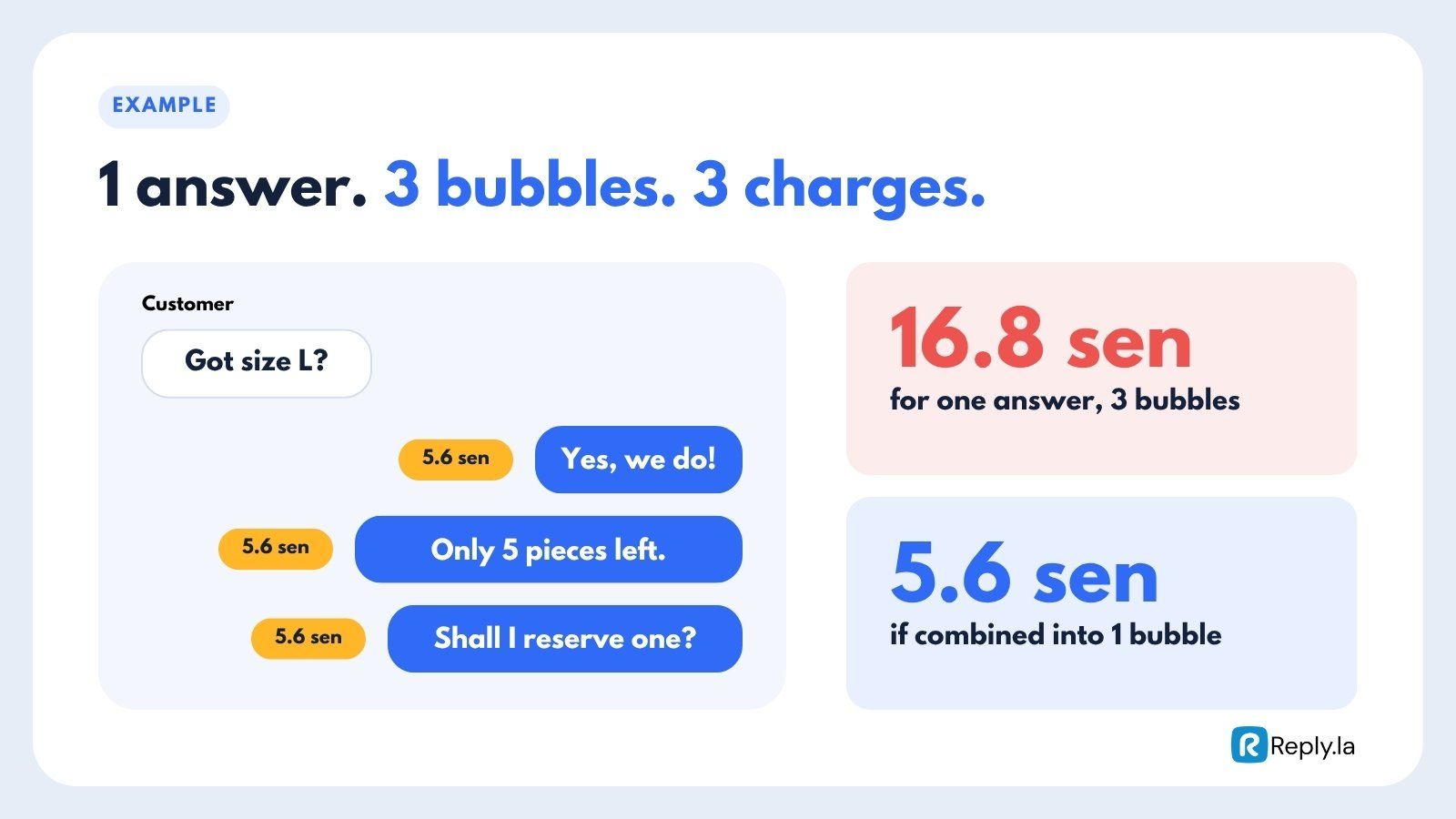
- Every bubble counts as one message. One answer split into 3 bubbles costs 3 times.
- Leads from Click-to-WhatsApp (CTWA) ads are free for 7 days, follow-ups included.
- These charges are paid to Meta, not to ReplyLa.
Is Your Number Affected?
It depends on how your number is connected.
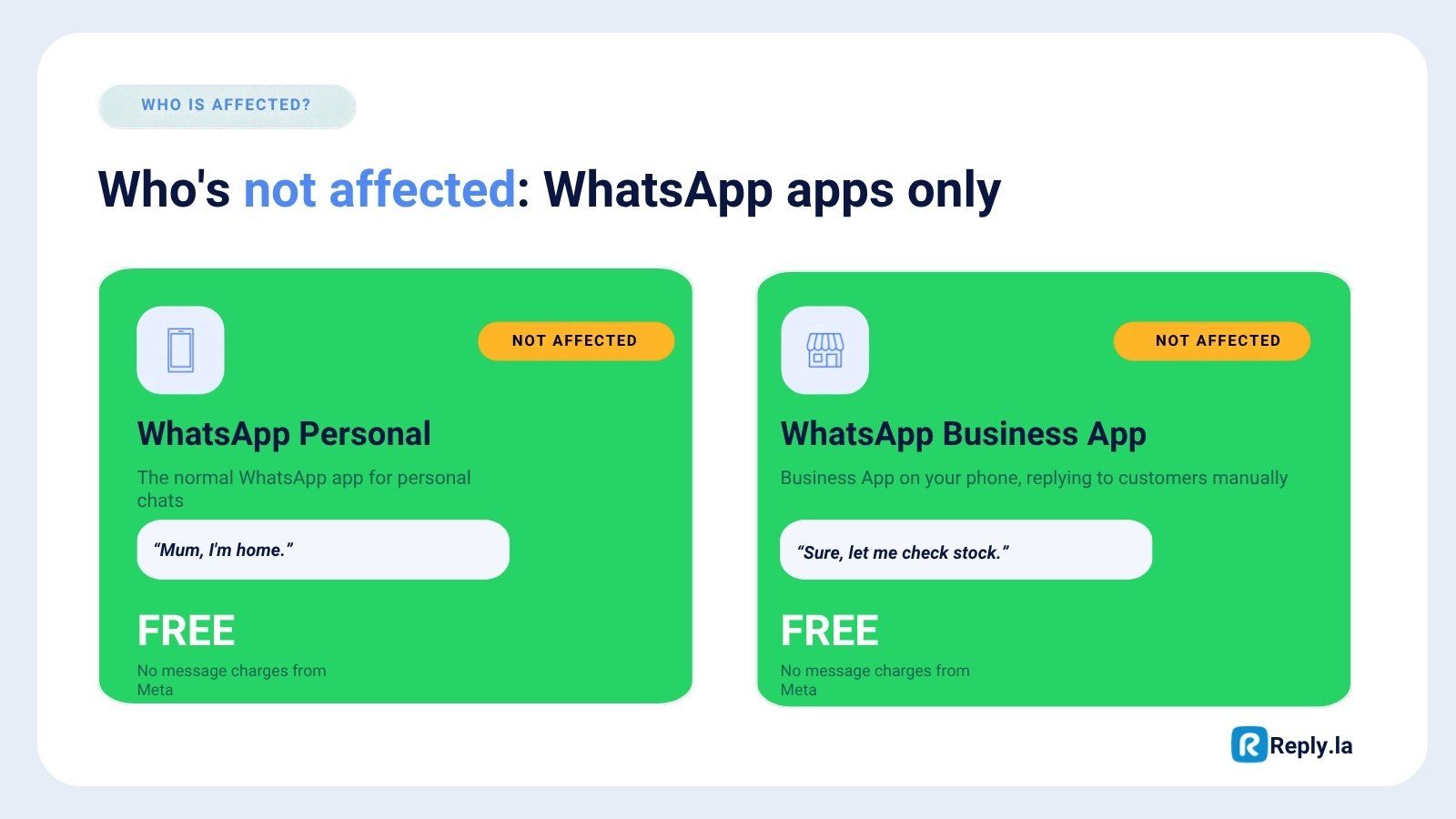
| How you use WhatsApp | Affected? | Cost |
|---|---|---|
| WhatsApp Personal (normal app for personal chats) | No | Free |
| WhatsApp Business App (on your phone, replying manually) | No | Free |
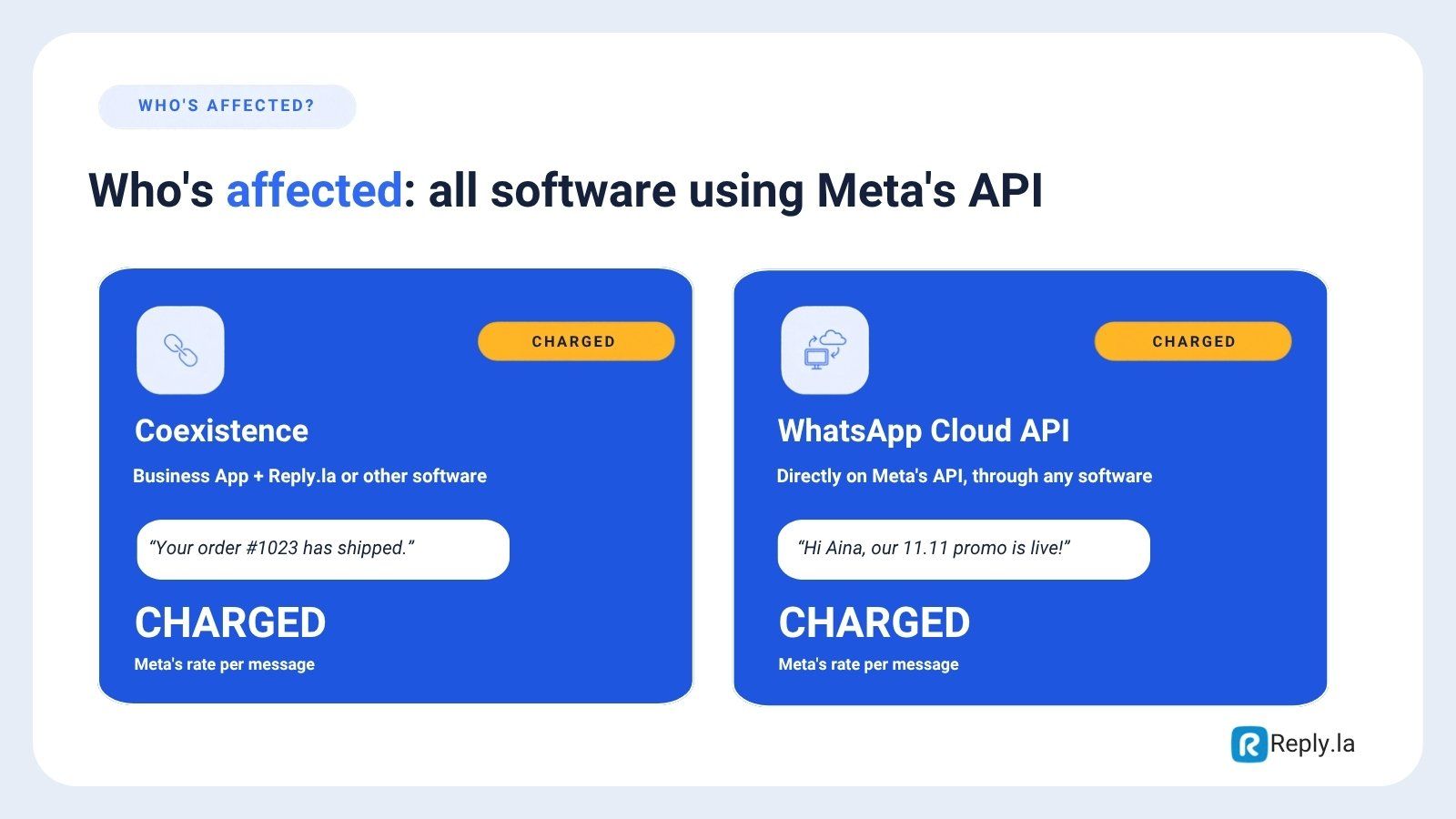
| Coexistence (Business App connected to ReplyLa or other software) | Yes | Meta's rate per message |
| WhatsApp Cloud API (connected directly to Meta API through any software) | Yes | Meta's rate per message |
In short: if your number is connected to software through Meta's API, you are charged.
What Is Coexistence?
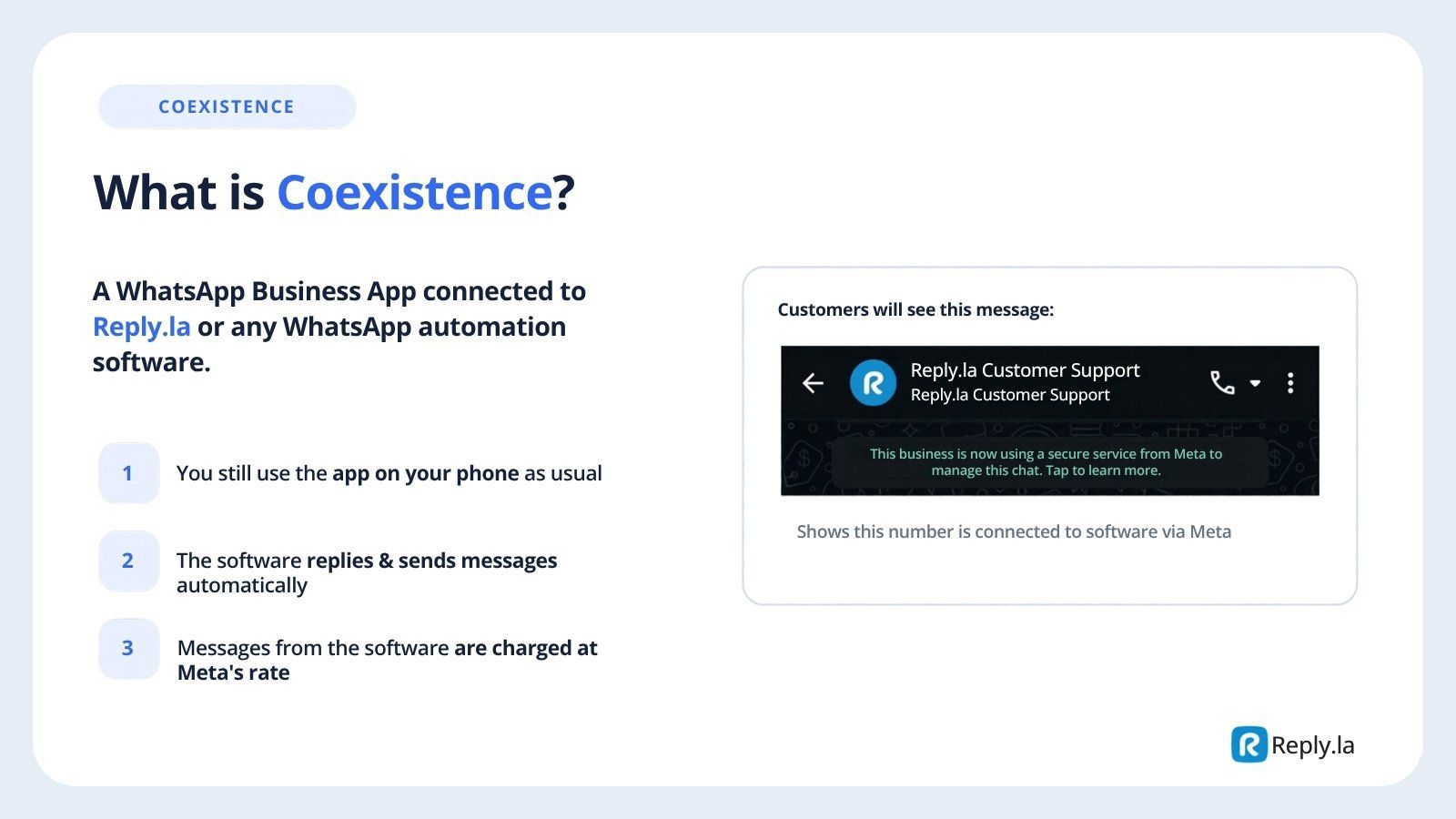
Coexistence is a WhatsApp Business App number that is also connected to ReplyLa (or another automation software).
- You still use the app on your phone as usual.
- The software replies and sends messages automatically.
- Messages sent from the software are charged at Meta's rate.
Your customers will see this notice in the chat, which shows the number is connected to software through Meta:
This business is now using a secure service from Meta to manage this chat. Tap to learn more.
The 3 Message Types and What They Cost
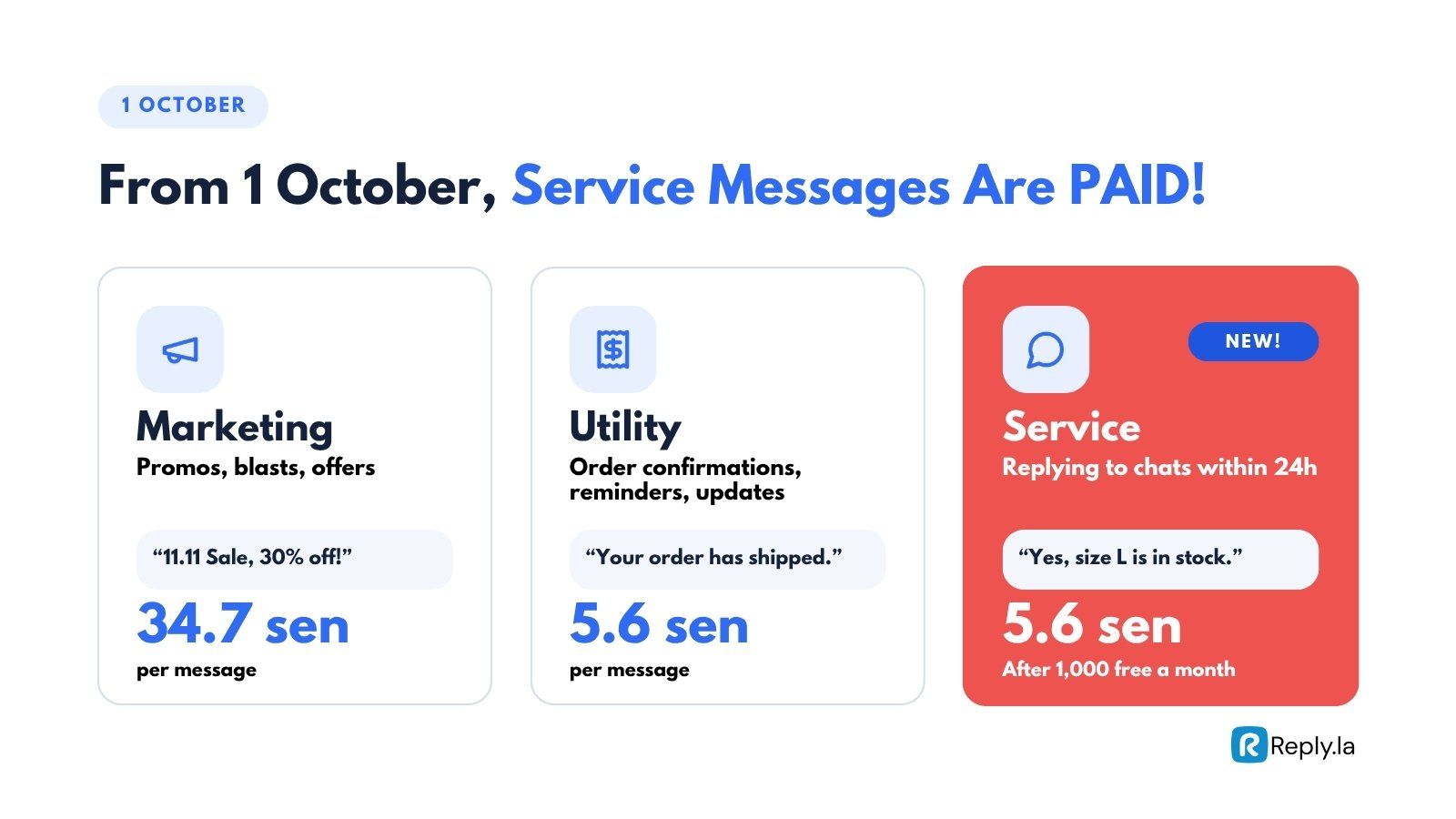
| Type | Used for | Example | Cost (Malaysia) |
|---|---|---|---|
| Marketing | Promos, blasts, offers | "Sale 11.11, 30% off!" | 34.7 sen per message |
| Utility | Order confirmation, reminders, status updates | "Your order has been shipped." | 5.6 sen per message |
| Service | Replying to a customer's chat within 24 hours | "Yes, size L is still available." | 5.6 sen per message, after 1,000 free a month |
Rates are set by Meta and can change. For the latest official rates, see WhatsApp Platform Pricing (Malaysia).
What Changed on 1 October
| Message type | Before 1 Oct | From 1 Oct |
|---|---|---|
| Marketing | Paid | Paid (no change) |
| Utility within 24 hours | Free | Paid |
| Service (replying to chats) | Free | Paid after 1,000 free a month |
| Leads from CTWA ads | Free for 72 hours | Free for 7 days |
Before 1 October
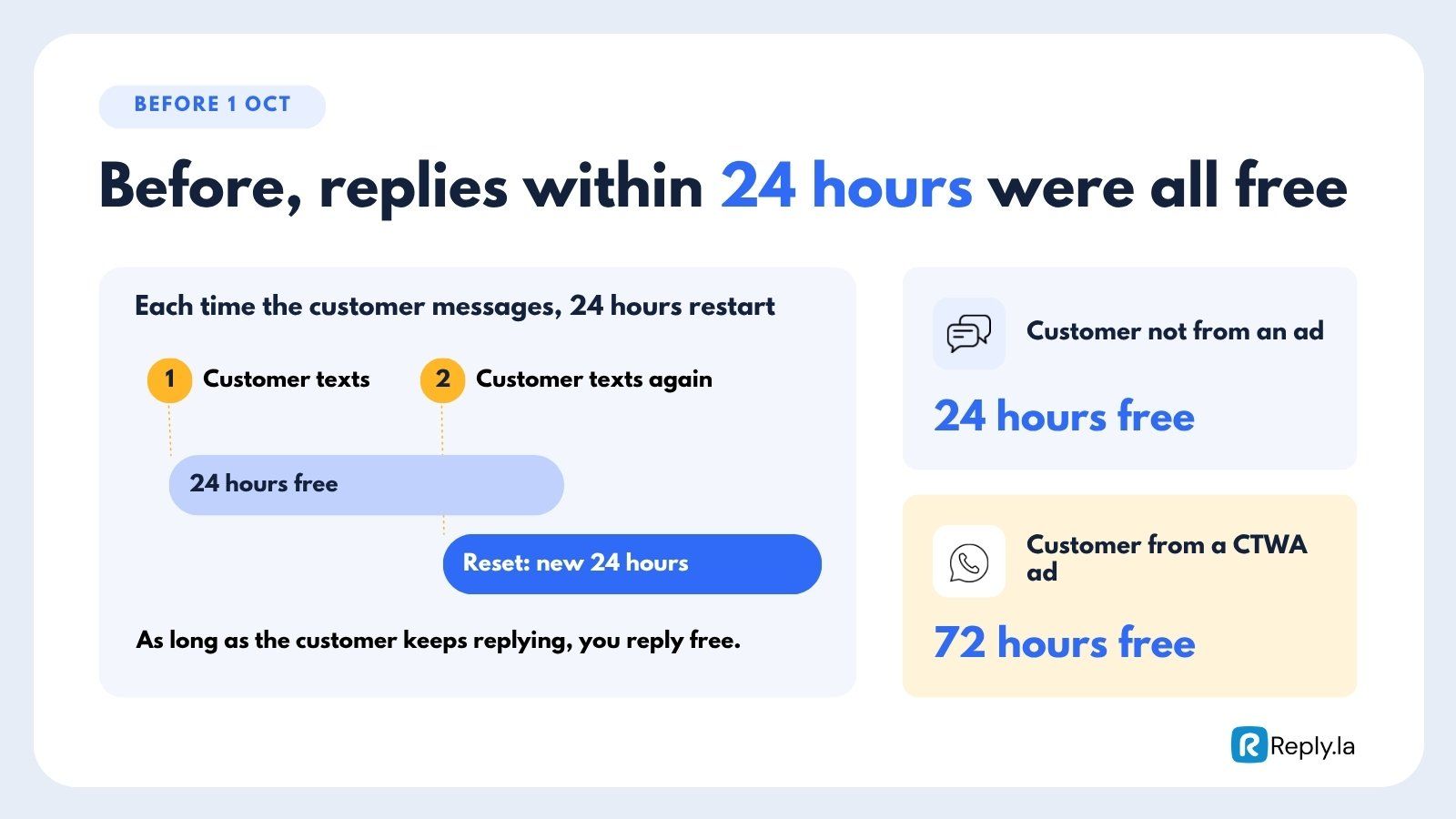
Every time a customer sent a message, a new free 24-hour window started. As long as the customer kept replying, you could keep replying for free. Leads from CTWA ads got 72 hours free.
From 1 October
Replies are no longer free by default. Only two things are still free:
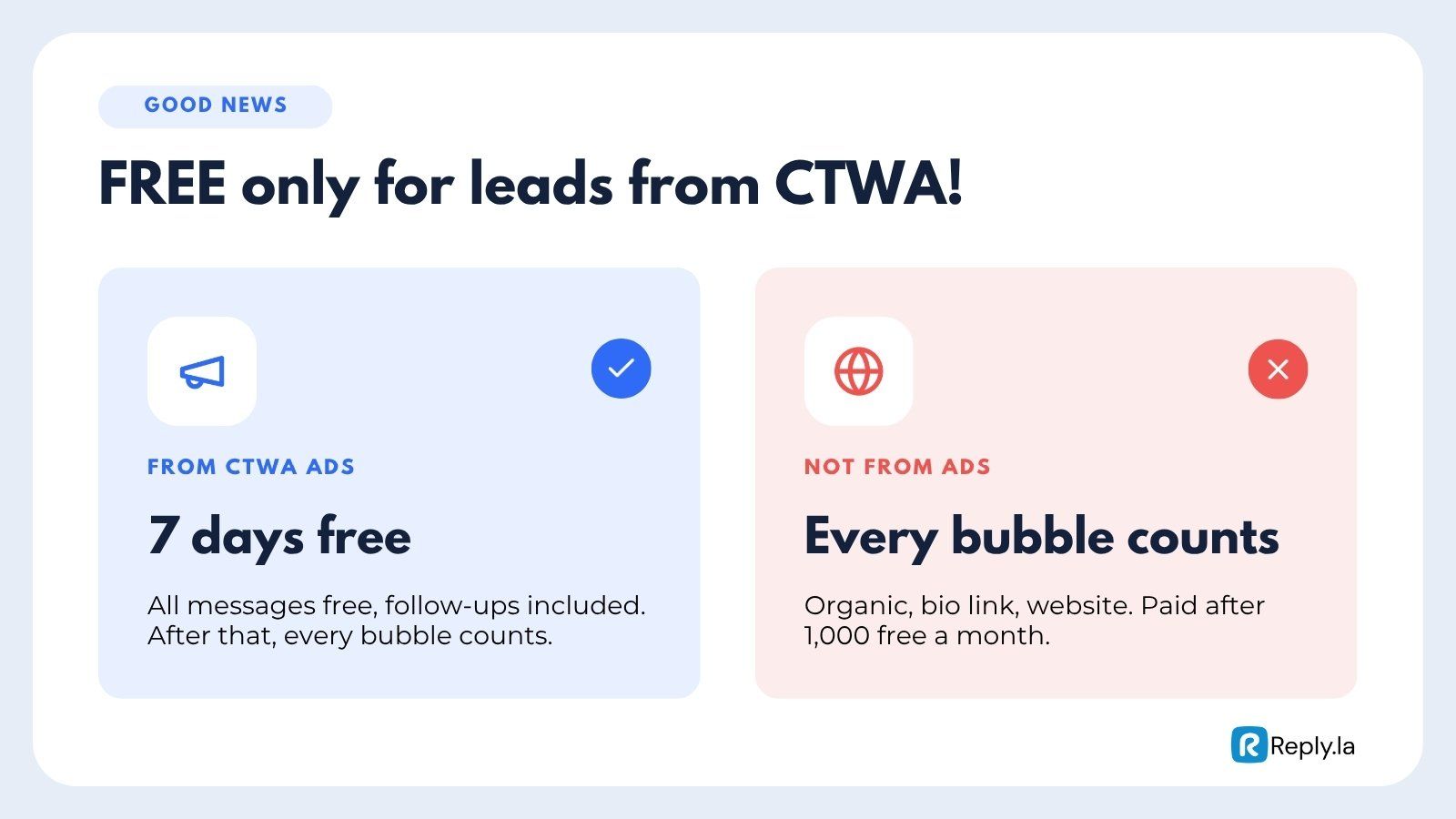
- Leads from CTWA ads: all messages free for 7 days.
- The first 1,000 service messages each month, for each number.
Leads from anywhere else (organic, link in bio, website button, wa.me link) have no free window. Every bubble counts toward your 1,000 free messages, then costs 5.6 sen each.
Every Bubble Is Charged
Meta charges per message, so every bubble you send counts.
Example: A customer asks "Do you have size L?" and you reply in 3 bubbles:
- "Yes, we do!" (5.6 sen)
- "Only 5 pieces left." (5.6 sen)
- "Want me to reserve one for you?" (5.6 sen)
That one answer costs 16.8 sen. If you combine it into one bubble, it costs 5.6 sen.
What Is Still Free
Click-to-WhatsApp (CTWA) Ads: 7 Days Free
A CTWA ad is a Facebook or Instagram ad with a WhatsApp button. When a customer taps that button and messages you, every message in the conversation is free for 7 days, follow-ups included.
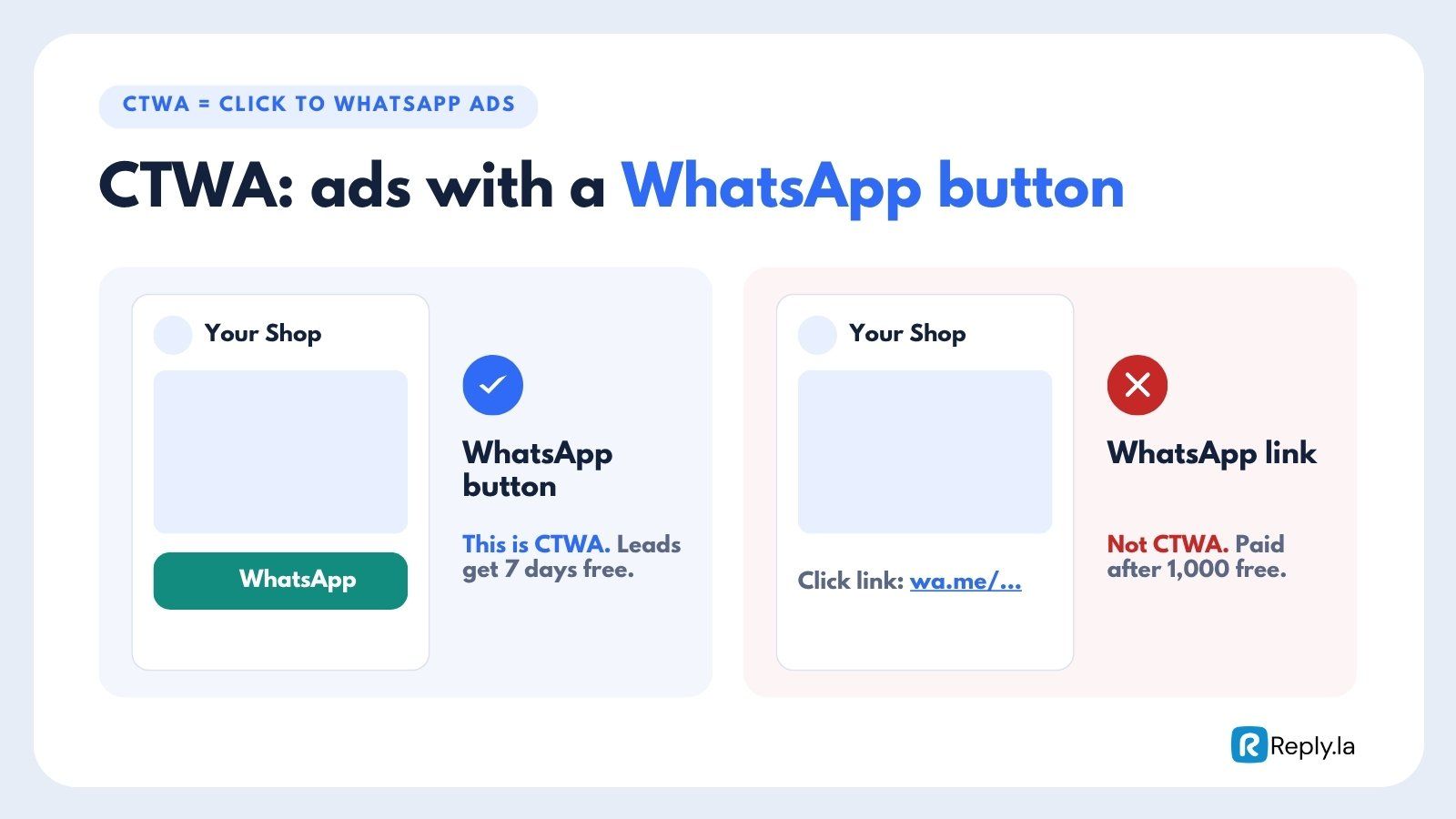
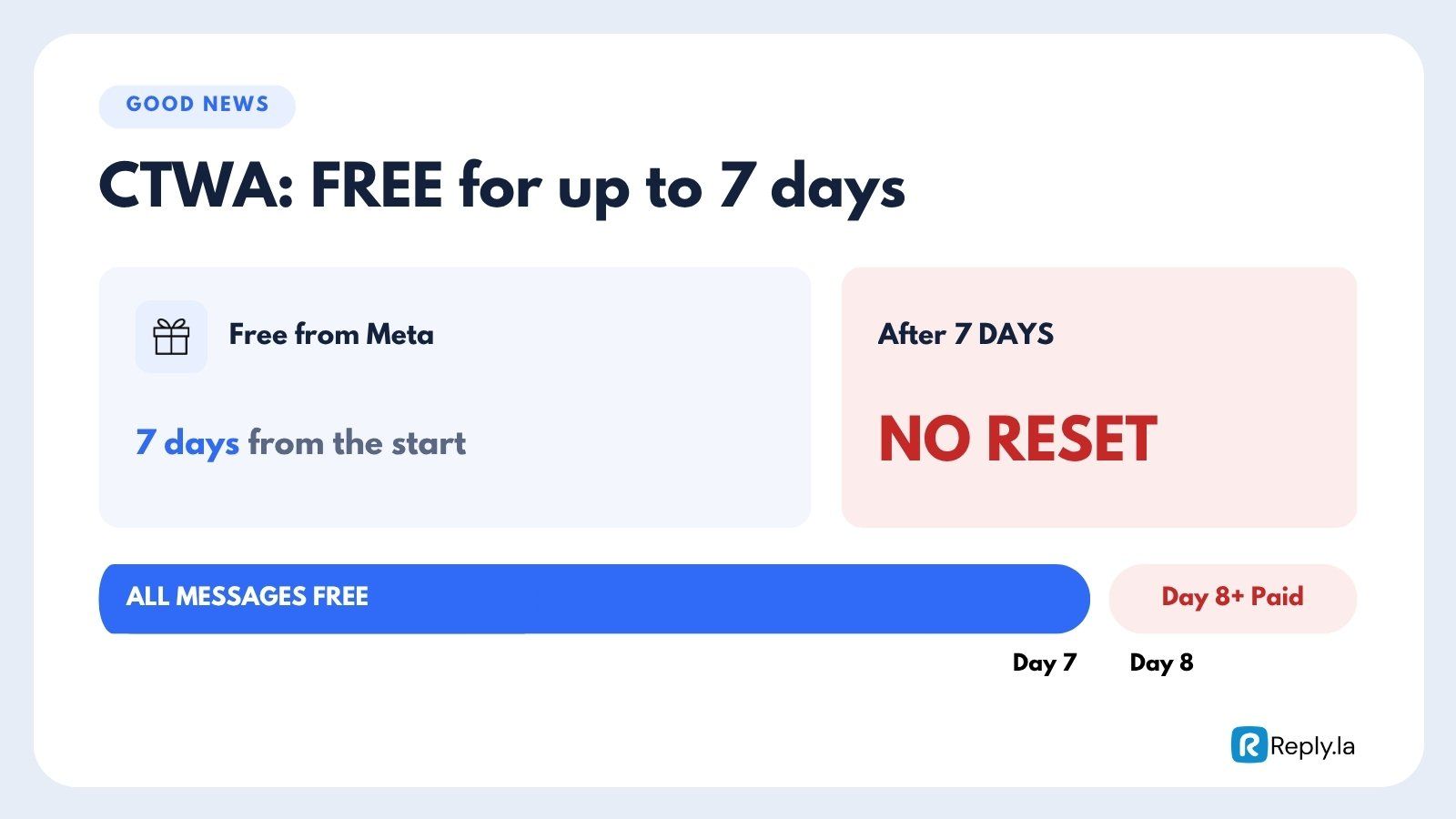
- The 7 days start from the first conversation and do not reset.
- From day 8, every bubble is charged.
wa.me/...) in the text or the landing page is not a CTWA ad. Leads from that link are charged like any other organic lead. Use the ad's WhatsApp button to get the 7 free days.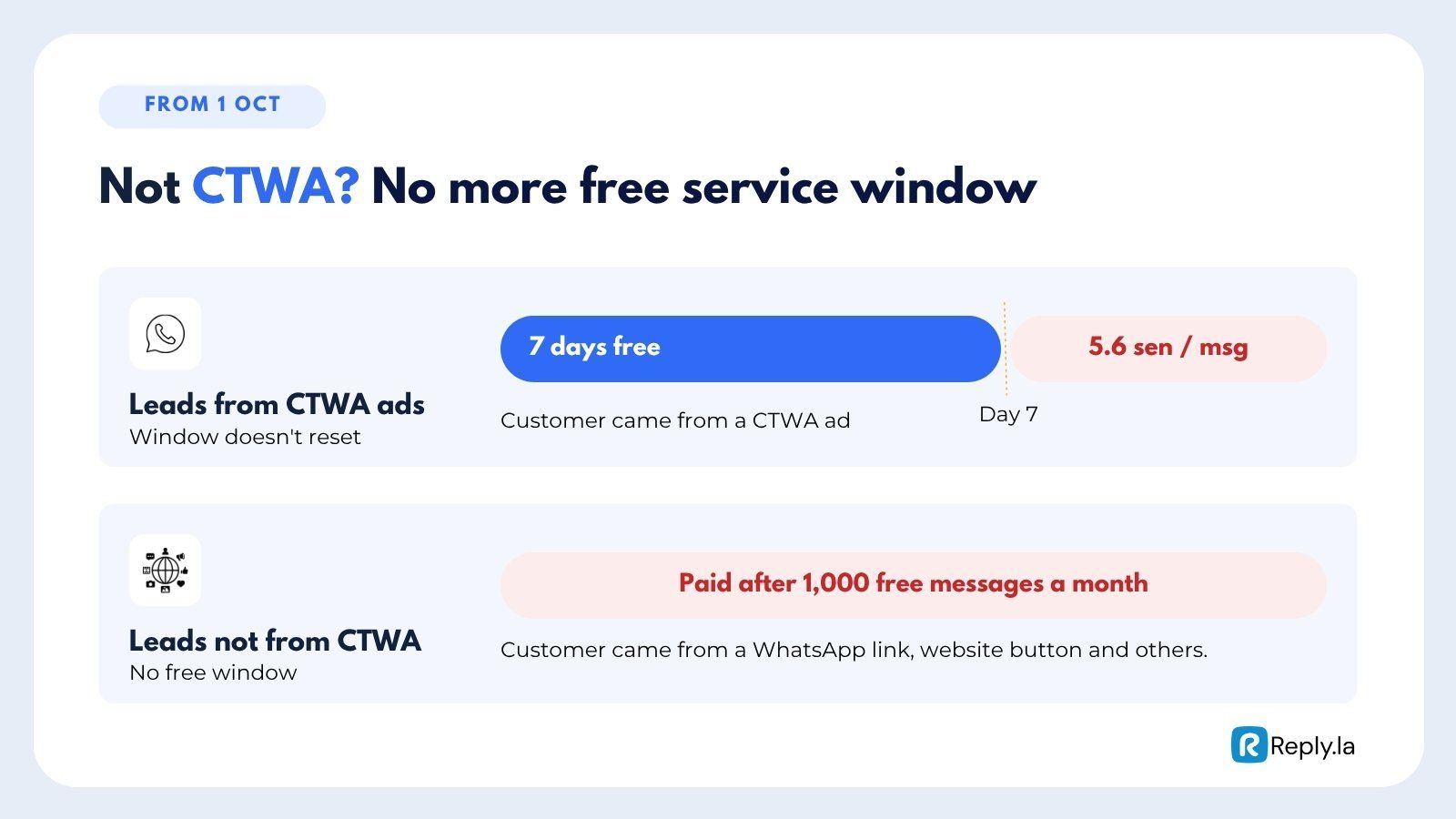
1,000 Free Service Messages a Month
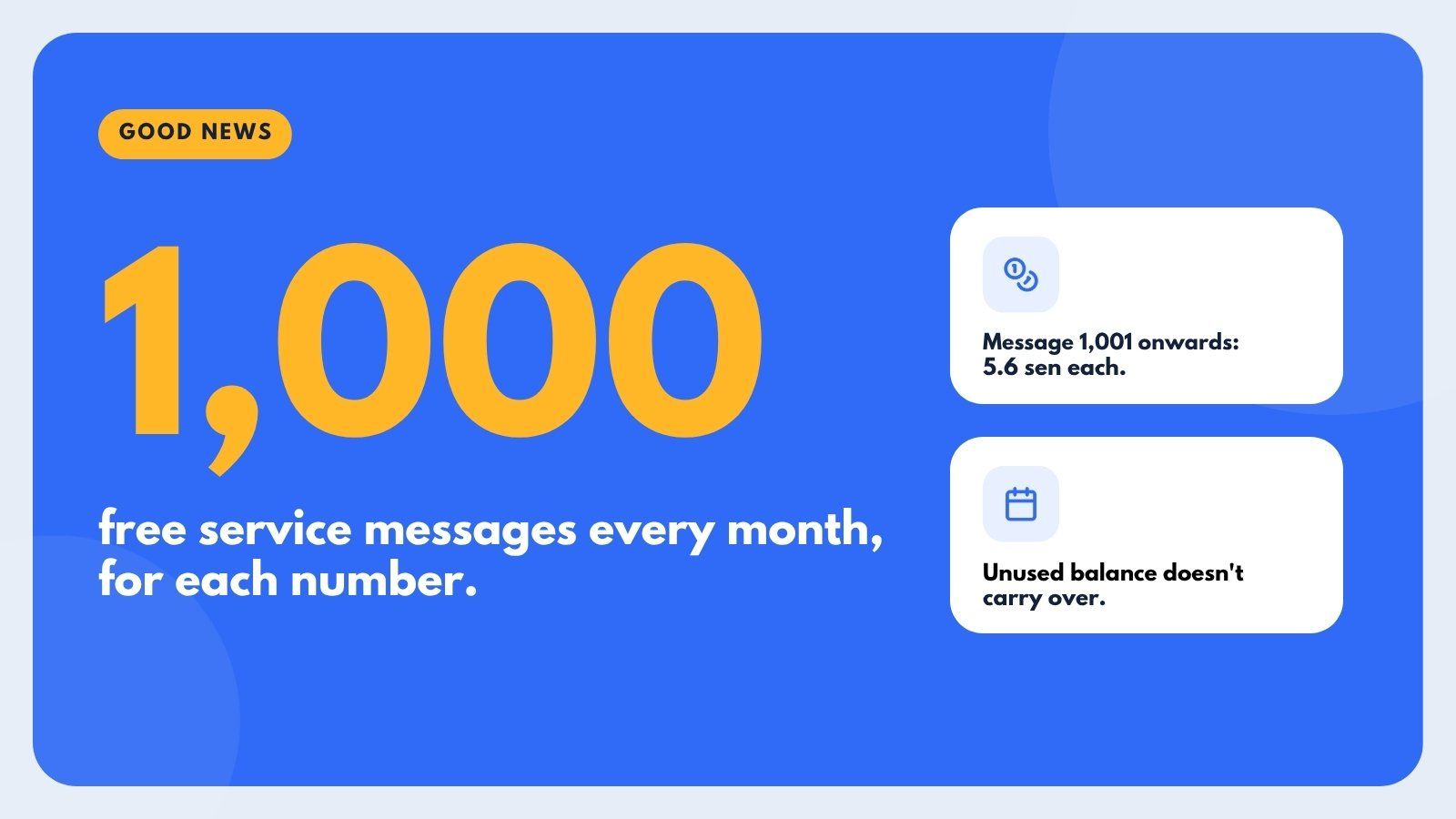
- Each number gets 1,000 free service messages every month.
- From message 1,001 onwards, each one costs 5.6 sen.
- Unused free messages do not carry over to the next month.
Reactions
Reacting to a customer's message (for example with 👍) is free and does not count toward your 1,000 free messages.
Who Is Most Affected?
| Harder to keep cheap | Still works well |
|---|---|
| Order tracking questions | Leads from CTWA ads (7 days free) |
| Complaints and after-sales support | Closing fast, with few bubbles |
| Long chats that do not lead to a sale | Follow-ups that bring in sales |
Customer service chats cost money now but do not bring in revenue. Sales chats, especially from CTWA ads, still pay off.
How Much Will You Pay Meta?
An estimate for leads that do not come from CTWA ads, assuming an average of 8 bubbles per lead:
| Leads per month | Bubbles (x8) | Minus 1,000 free | Meta cost |
|---|---|---|---|
| 500 | 4,000 | 3,000 | RM169 |
| 3,000 | 24,000 | 23,000 | RM1,297 |
| 10,000 | 80,000 | 79,000 | RM4,456 |
Based on Meta's Malaysia rate of RM0.0564 per message. Does not include AI token costs.
How to Control Your Costs
1. Get Your Leads From CTWA Ads
Run ads with a WhatsApp button so new leads come in through CTWA. Every message for the first 7 days is free, so your chatbot can answer and follow up without any Meta charges.
2. Close Within 7 Days
Try to close the sale inside the free 7 days. Once the window ends, every bubble is charged, so the faster you close, the cheaper each sale is.
3. Reply in Fewer Bubbles After the Free Window
Inside the CTWA window, multiple bubbles are free. Outside it, give one complete answer instead of several short messages. One clear bubble costs a third of three short ones.
4. Decide What to Do With Non-Ad Leads
Leads that do not come from CTWA ads have no free window. You have three options:
- Reply as usual and use your 1,000 free messages. Good if you get only a small number of organic leads.
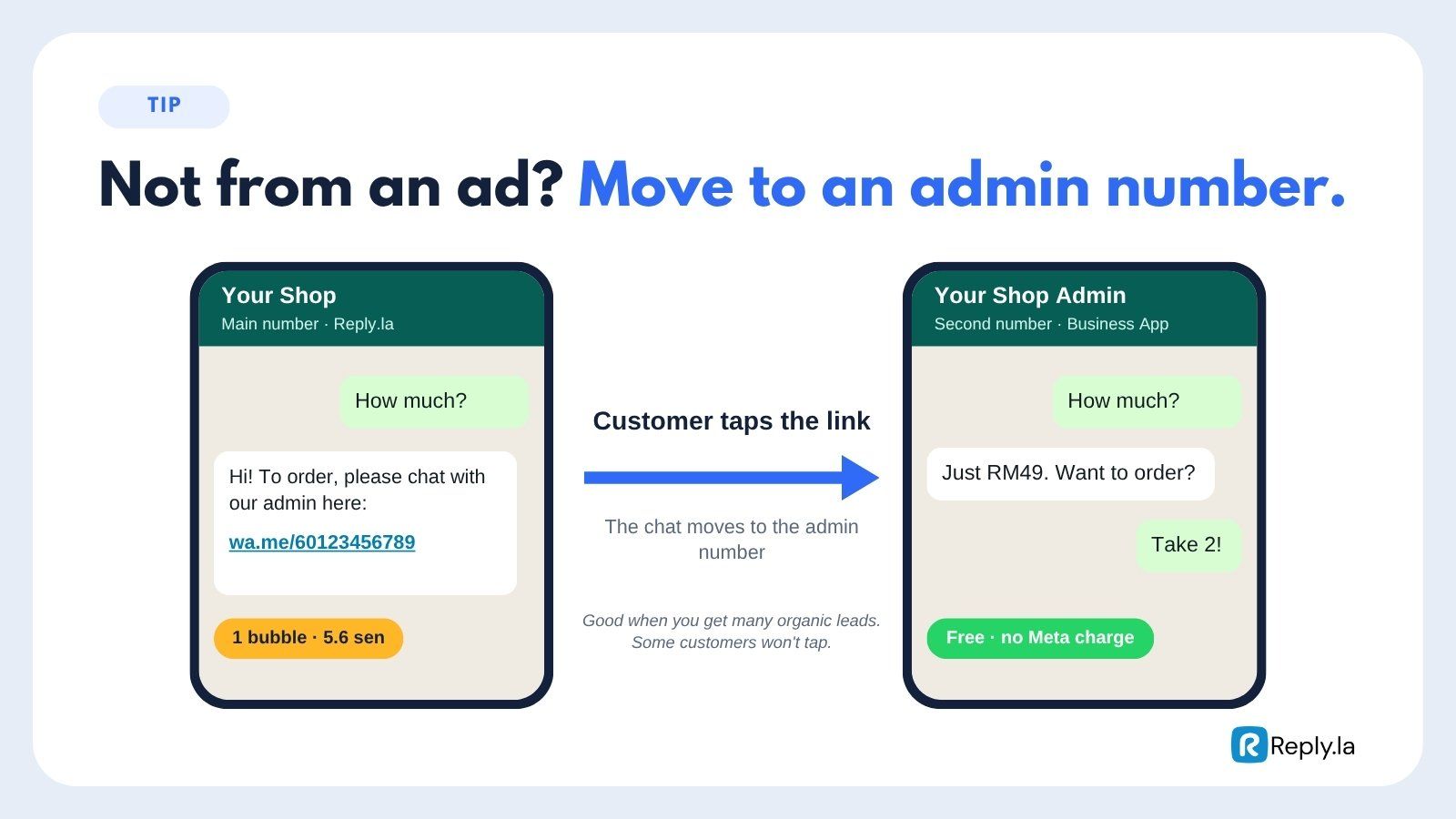
- Send them to a second number. Reply once with a link to another number that runs on the WhatsApp Business App only (not connected to any software), for example "For orders, please chat with our admin here: wa.me/60123456789". Chats on that number are free. This suits businesses with many organic leads, though some customers will not tap the link.
- Do not reply from the connected number at all. No Meta charge.
5. Move Customer Service to the Business App
Questions about order tracking, complaints and after-sales support do not bring in sales. Handle them on a WhatsApp Business App number that is not connected to software, where replies stay free.
6. Blast Smarter
- Use Utility templates for transactional messages. They cost 5.6 sen, while Marketing costs 34.7 sen.
- Blast only to the right segment (for example, customers who already showed interest or bought before), not your whole contact list.
7. Check Your Billing Every Month
Log in to business.facebook.com → Billing to see your charges by message type. Compare it with your sales so you know which chats are worth paying for.
Common Questions
What's Next?
- Template Pricing - How template messages and categories are charged
- Conversation Window - See which leads have an open 24-hour window in the Inbox
- Blaster Overview - Send broadcasts to the right segment